Spanish and other languages
Your child’s talker and the parent screens can be in Spanish.
- 1
For the parent screens: Parent area → Speech & display → App language / Idioma de la app → Español.
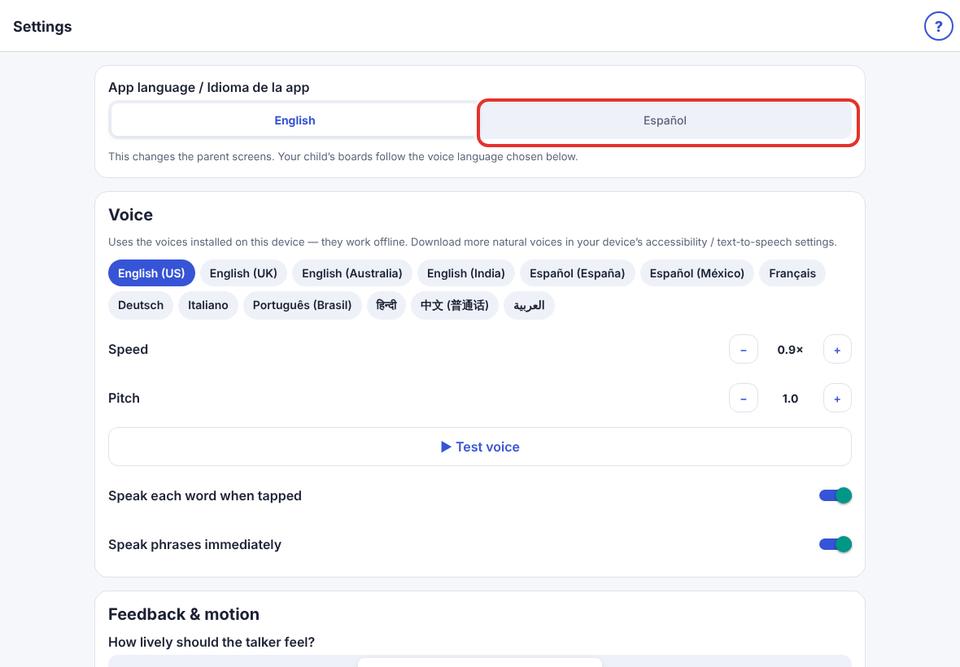
- 2
For a Spanish talker: choose a Spanish voice when setting up a child. Their words and voice are then in Spanish.
The voice can speak 13 languages; starter words are in English or Spanish.