Set a parent PIN
Use your own PIN instead of the sum to open the parent area.
- 1
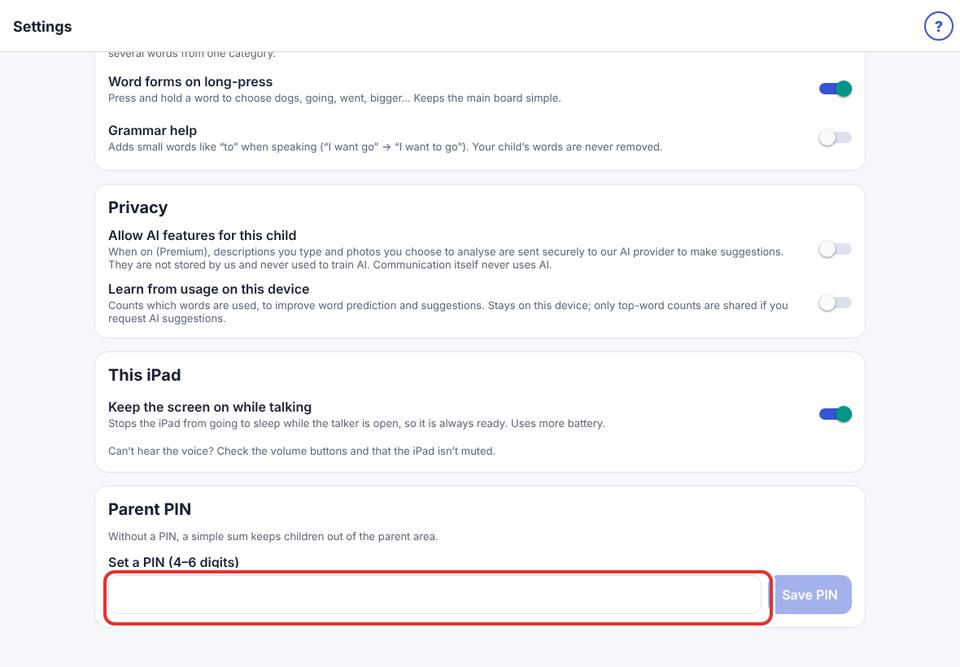
Parent area → Speech & display → Parent PIN.
- 2
Type a 4–6 digit PIN and tap Save PIN.
- 3
To go back to the sum, tap Remove PIN.
If you forget your PIN, delete and reinstall the app (this also erases its data, so keep a backup).