More than one child
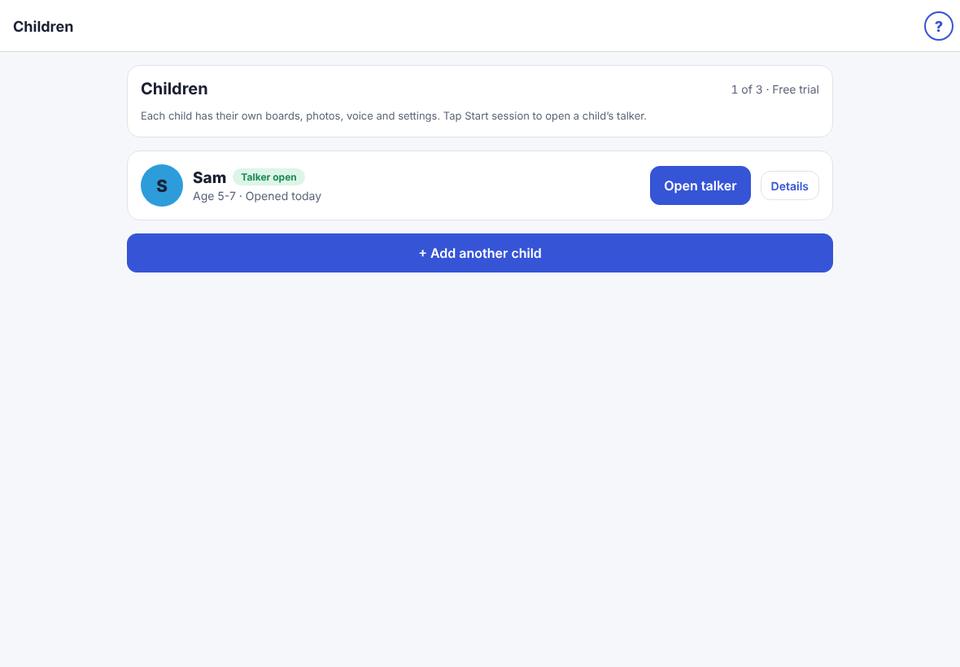
Each child has their own boards, voice and settings.
- 1
Parent area → Children.
- 2
Tap + Add another child and go through the setup.
- 3
To change which child uses the talker, tap Start session next to their name. Their own talker opens.
Premium includes up to 3 children; Family up to 6; Therapist up to 15; Therapist Plus up to 40.