Voice, speed and pitch
Choose the voice your child speaks with.
- 1
Parent area → Speech & display → Voice.
- 2
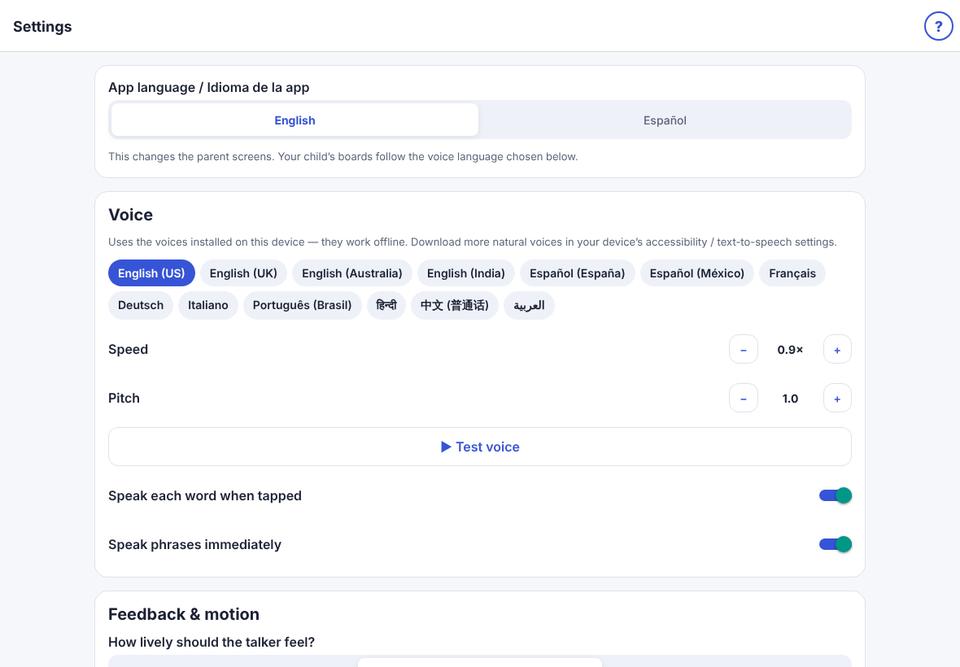
Choose a voice from the list (voices marked ★ sound more natural). Adjust Speed and Pitch.
- 3
Tap ▶ Test voice to hear it.
- 4
Speak each word when tapped: turn off if your child prefers to hear only the full message.
To add more natural voices: iPad Settings → Accessibility → Spoken Content → Voices.