Your caseload: many children on one iPad
Keep every child you work with on your iPad, each with their own boards, photos and settings, and switch in two taps.
- 1
Add each child once: Parent area → Children → + Add another child, and go through the short setup.
- 2
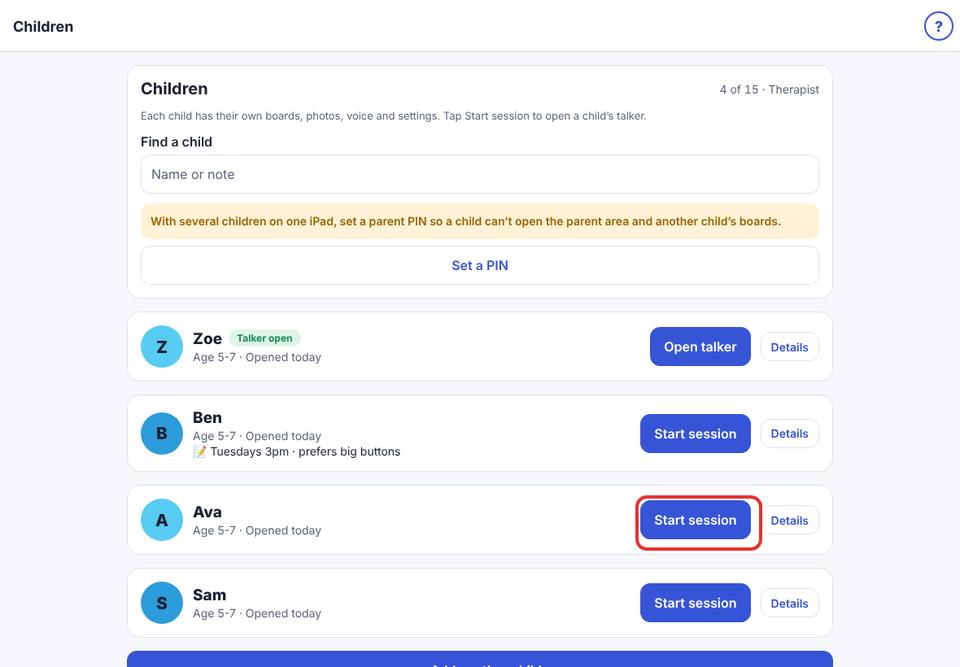
To start a session, open Children (or tap Switch child on the dashboard) and tap Start session next to the child. Their own talker opens.
- 3
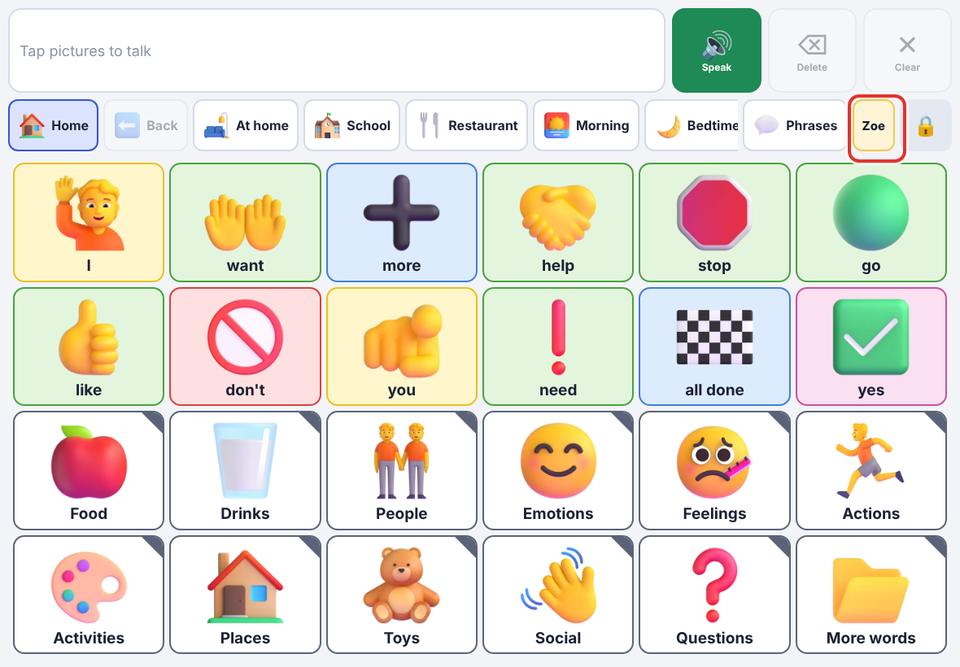
The talker shows the child’s name at the top, so you always know whose boards are open.
- 4
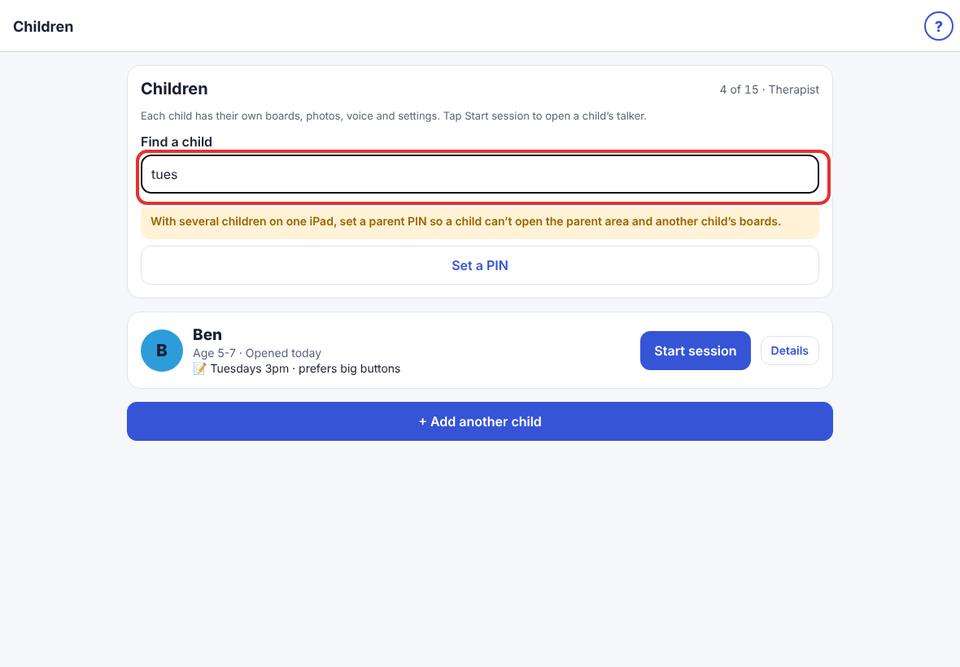
With many children, use Find a child to search by name or by your note.
- 5
Tap Details to rename a child or add a private note (for example their session day or what helps them). Children never see notes.
- 6
Set a parent PIN (Speech & display → Parent PIN) so a child can’t open the parent area or another child’s boards.
Children used most recently are at the top of the list.
The Therapist plan has room for 15 children and Therapist Plus for 40. See “Free trial, Premium and what stays free”.