The board editor
Change buttons, move them, and change the board’s size and name.
- 1
Parent area → Edit boards → Edit next to a board.
- 2
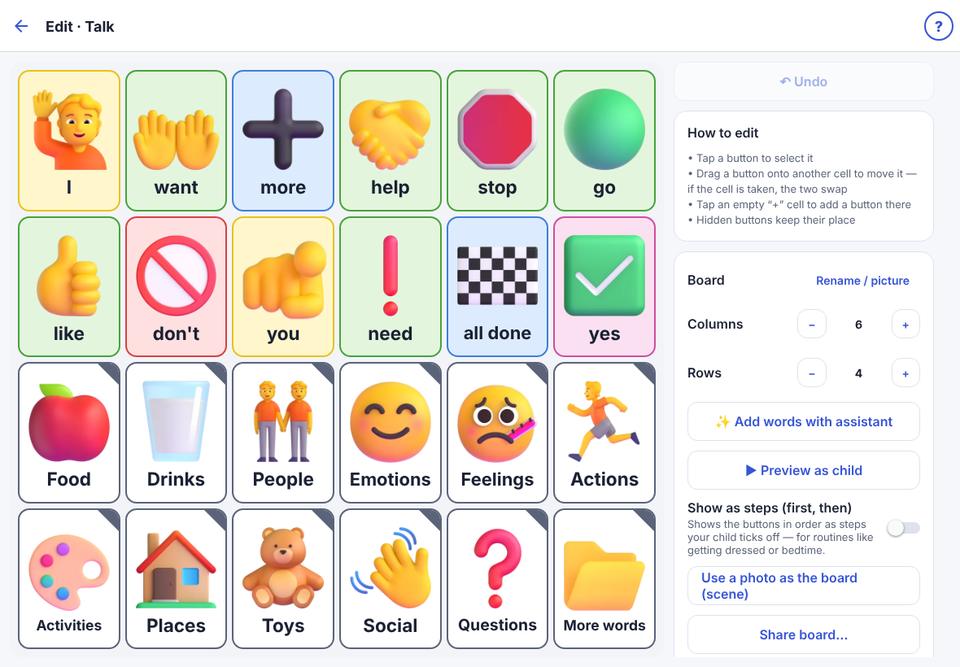
The board is on the left, tools on the right. Tap a button to select it; tap an empty + box to add a button there.
- 3
Use ▶ Preview as child to see the board as your child does.
Every change can be undone with ↶ Undo (up to 30 steps).