Move a button
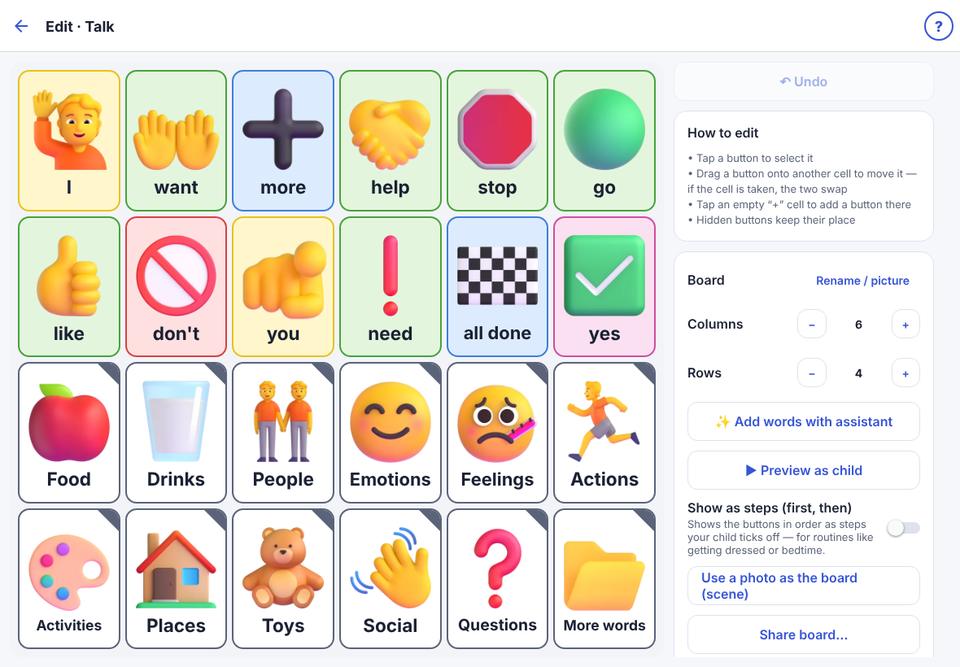
Drag a button to a new place. If the place is taken, the two swap.
- 1
Open the board editor.
- 2
Drag a button onto another place. If that place is taken, the two buttons swap.
- 3
Or: tap the button, tap Move…, then tap the place it should go.
- 4
Tap ↶ Undo if you change your mind.
Try not to move words often: your child’s hands remember where they are.