Rename a board or change its size
Change a board’s name, picture, rows and columns.
- 1
Open the board editor.
- 2
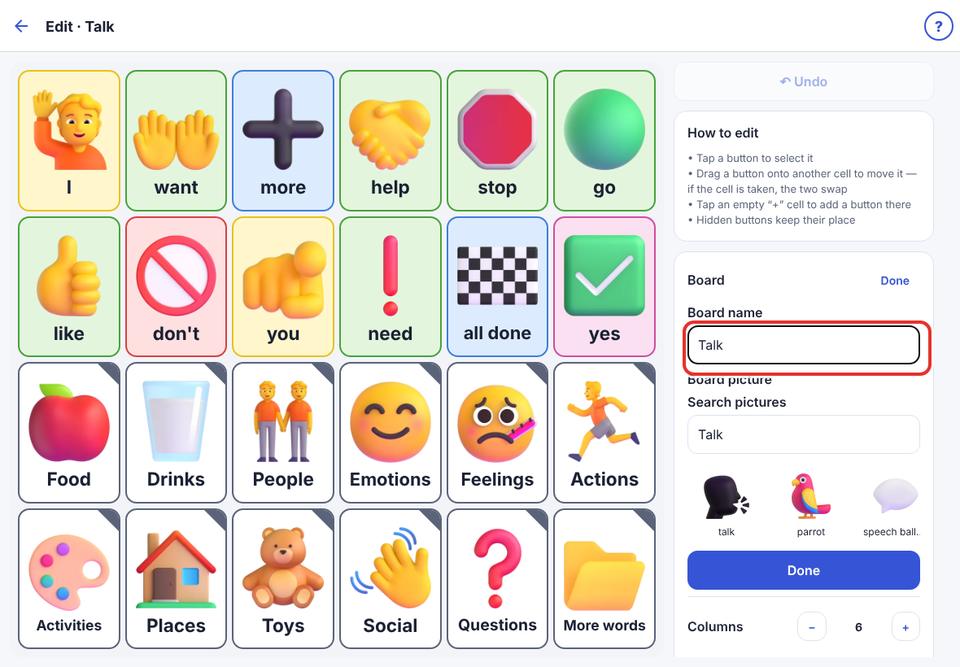
Tap Rename / picture. Type the new name and choose a picture below it, then tap Done.
- 3
Use Columns and Rows (− / +) to change the size.
If making the board smaller would cut off buttons, KuyilVoice tells you which ones. Move them first: buttons are never moved for you.