Delete, clear and undo
Fix mistakes in the message bar.
- 1
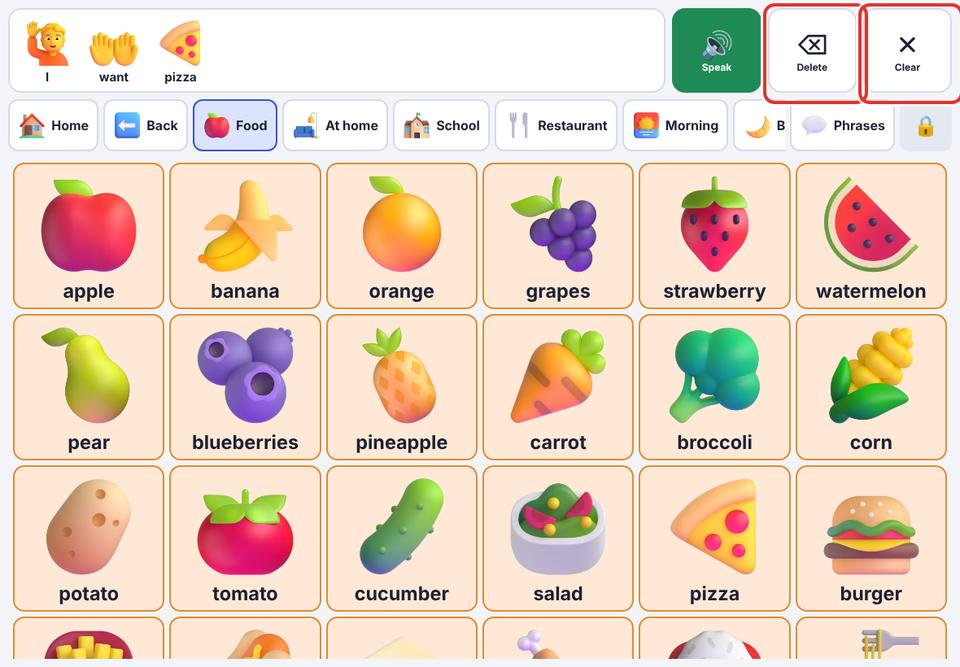
Delete (⌫) removes the last word.
- 2
Clear empties the whole message.
- 3
Right after clearing, the button shows Undo. Tap it to bring the message back.
- 4
Tap a single word in the message bar to hear just that word again.