Build and speak a message
Your child taps pictures one after another to build a message, then taps Speak.
- 1
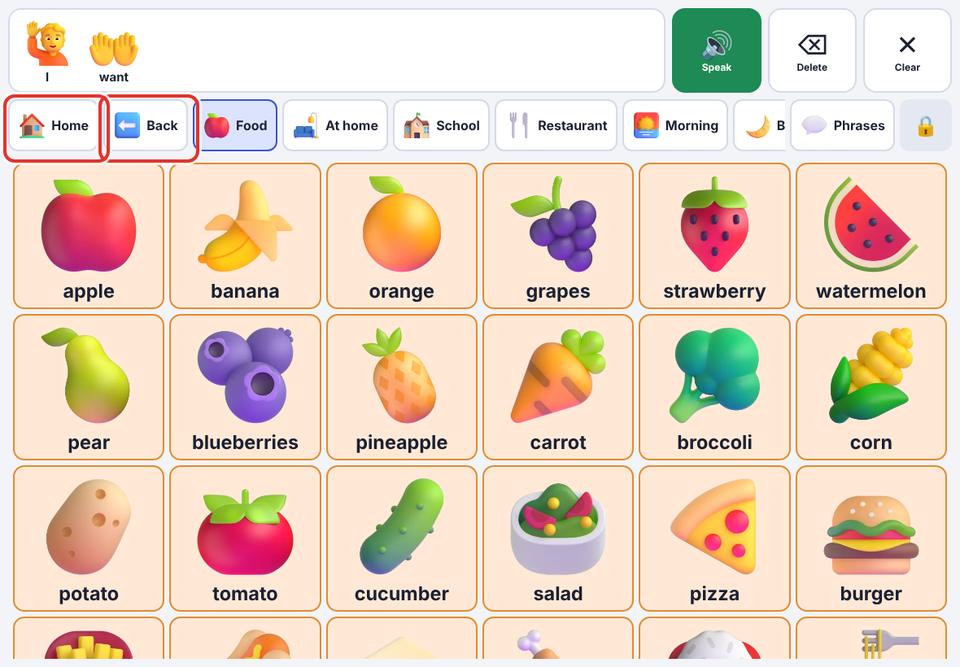
Tap I, then want. Each word is spoken and appears in the message bar.
- 2
Tap the Food folder (it has a dark corner), then pizza.
- 3
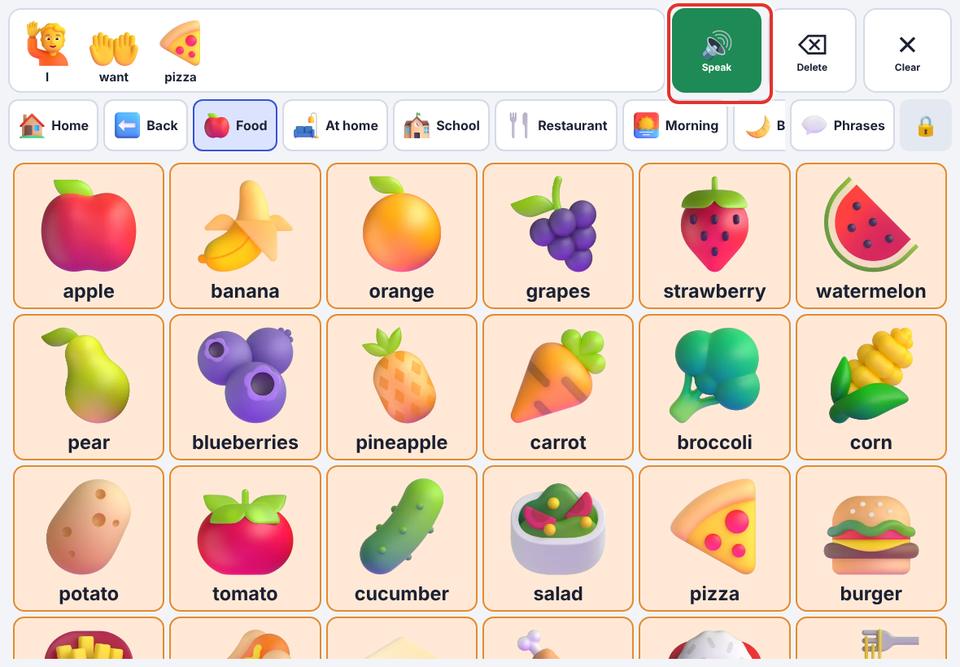
Tap Speak. The iPad says “I want pizza.” and each word lights up as it is spoken.
It is fine if your child taps single words. “Pizza” on its own is real communication: respond to it.
If no sound comes out, see “No sound”.