Your boards
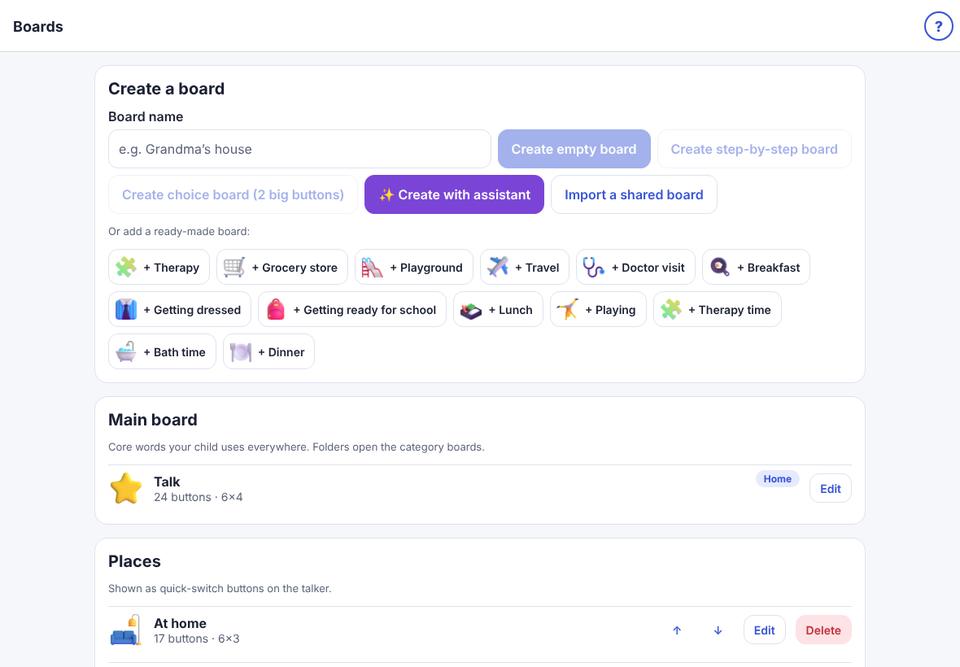
See all of your child’s boards and open one to change it.
- 1
Open the parent area: in the talker, press and hold the 🔒 button (top-right) for about 1½ seconds, then answer the question.
- 2
Tap Edit boards. Boards are grouped: Main board, Places, Routines, My boards, Categories.
- 3
Tap Edit next to a board to change it.