Visual timer
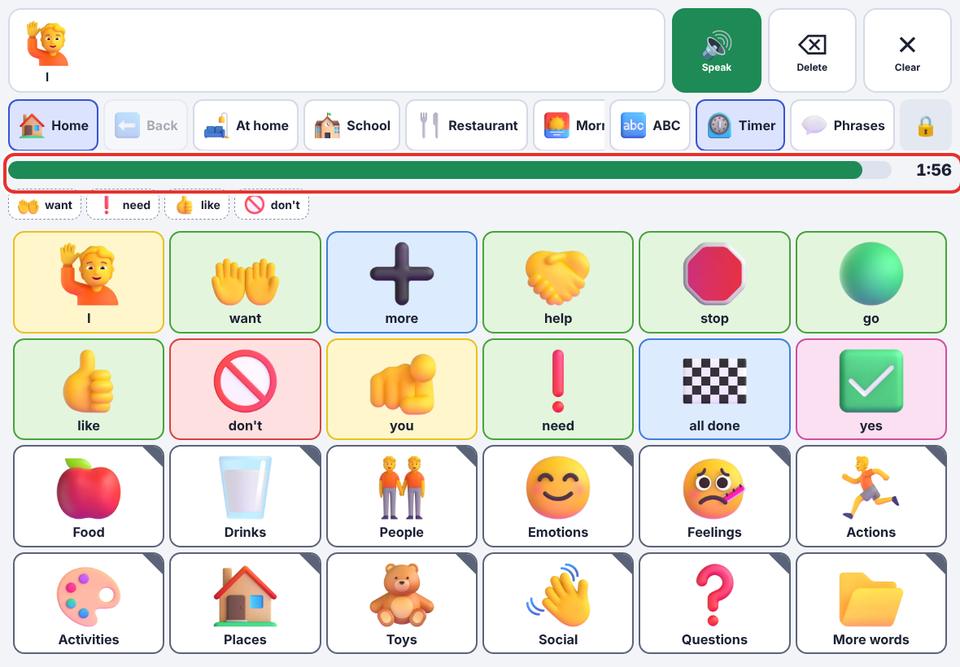
A coloured bar shows how much time is left, and the talker says when time is finished.
- 1
Parent area → Speech & display → turn on Visual timer.
- 2
In the talker, tap the ⏲ Timer button in the top row and choose 1, 2, 5, 10 or 15 minutes.
- 3
A bar shrinks from green to amber to red.
- 4
When it reaches zero, the talker says “Time is finished”. Tap Timer again to stop early.
The timer only counts while KuyilVoice is open.