Account and sync between iPads
With an account, boards and photos stay the same on all your iPads.
- 1
Parent area → Account & backup → create an account or Sign in.
- 2
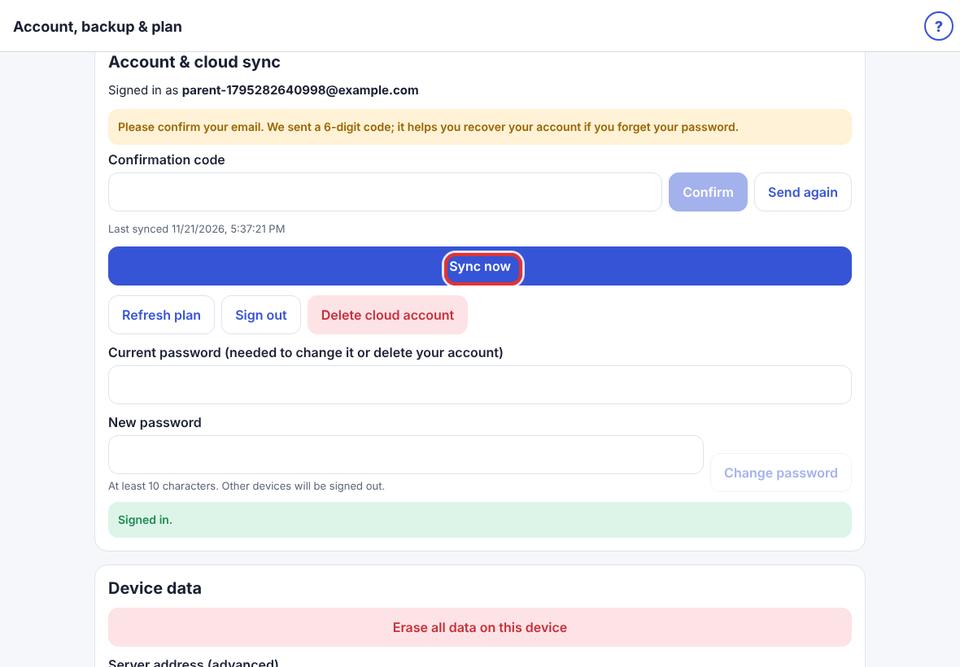
Confirm your email with the 6-digit code that was emailed to you.
- 3
Tap Sync now. On another iPad, sign in with the same account and sync.
Synced data is encrypted. Forgot your password? Use Forgot password on the sign-in screen.