Picture library and your photos
Browse all pictures, and rename, replace or delete your photos.
- 1
Parent area → Picture library.
- 2
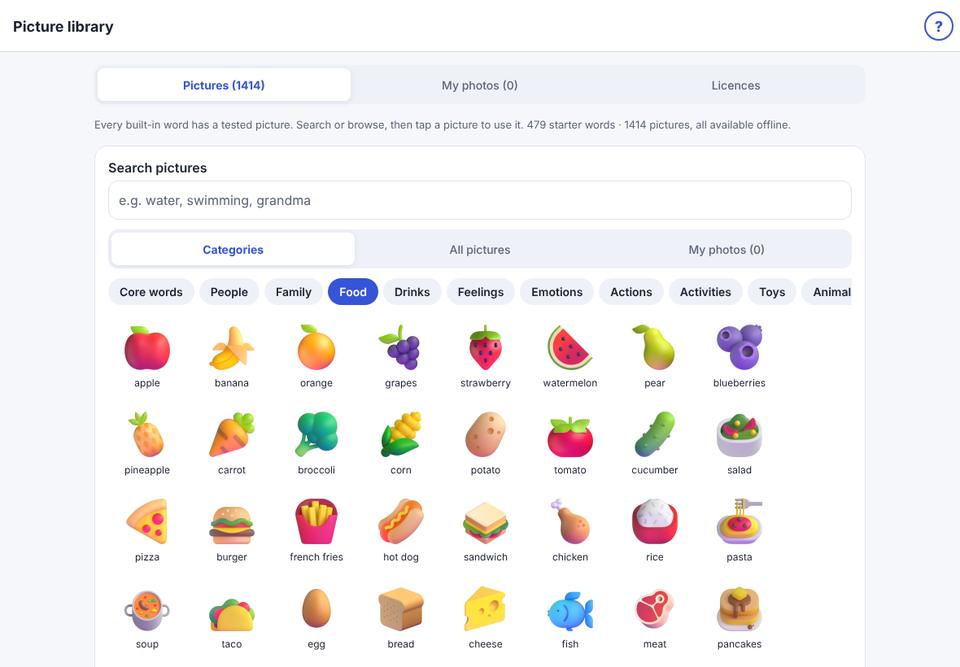
Pictures shows the built-in pictures. Tap one, then Make a button with this.
- 3
My photos shows your photos. Type a new name under a photo, tap Replace to swap it everywhere it is used, or Delete.